
Creating engaging videos has become an important part of growing a YouTube channel, building a social media audience, or promoting a business online. Whether you make cinematic travel videos, gaming montages, Instagram Reels, or YouTube Shorts, the right editing app can help transform ordinary footage into polished content. Mobile video editors make this process more accessible by bringing creative tools directly to your smartphone.
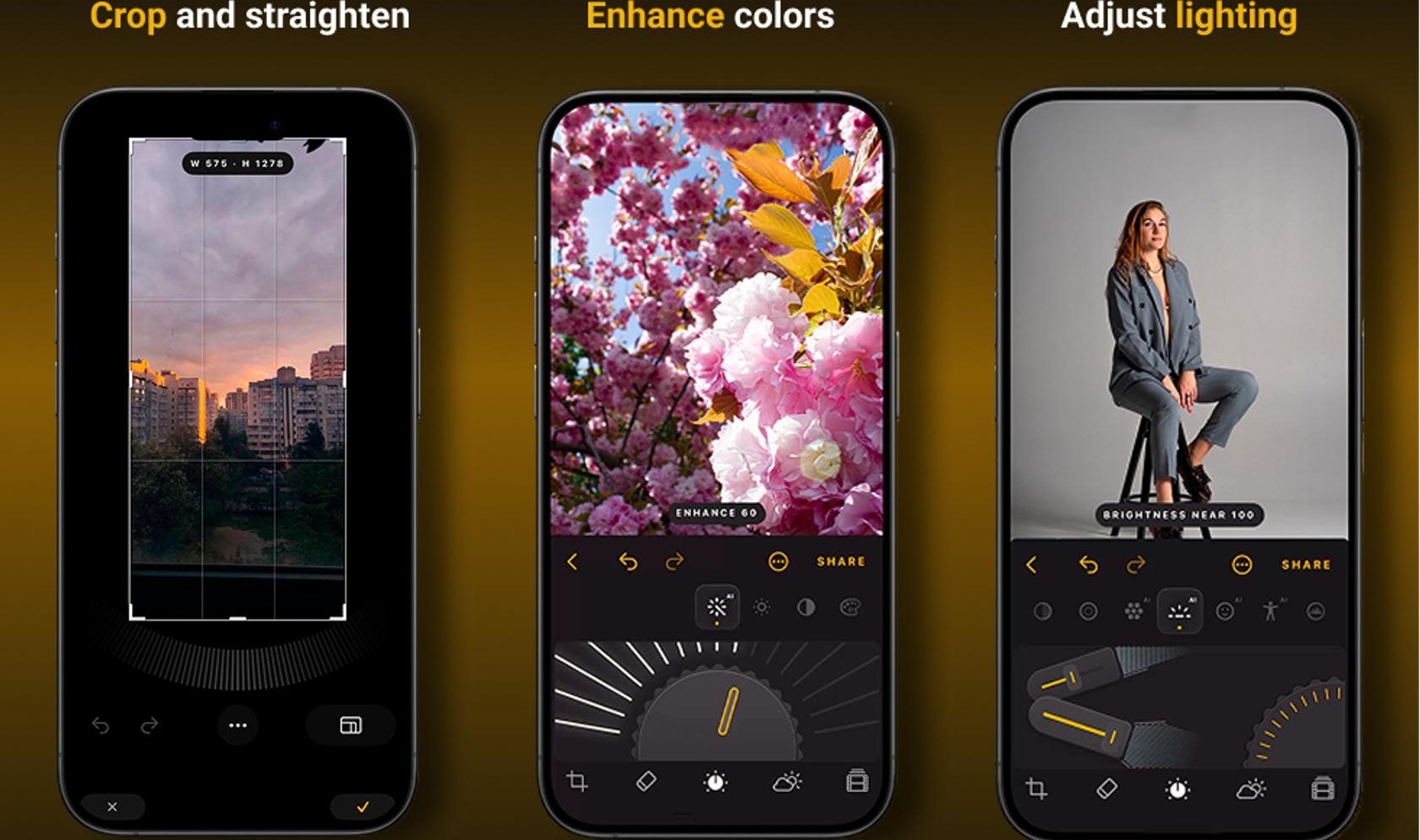
VN MOD APK is a search term used by people looking for modified versions of VN Video Editor, often hoping to access additional features or fewer restrictions. However, modified APK files are not the same as the official application, and their safety, authenticity, and functionality cannot be assumed. Before installing one, it is worth understanding what VN offers, which editing tools are available through official channels, and what risks may come with unofficial versions.
VN Video Editor is a mobile editing application designed for creators who want to combine clips, add music, apply transitions, animate text, and export finished videos. Its official app listing describes tools such as a multitrack timeline, keyframe animation, speed control, filters, and high-resolution export. Feature availability may vary by device and app version.
What Is VN MOD APK?
VN MOD APK refers to an unofficial, modified Android package based on VN Video Editor. Depending on who created the modification, it may claim to unlock premium tools, remove certain restrictions, or provide other changes to the original application.
It is important to understand that these claims are not automatically verified. There is no guarantee that a file labelled “VN MOD APK” contains the advertised features, comes from a trustworthy developer, or works correctly on every Android phone.
Features of VN Video Editor
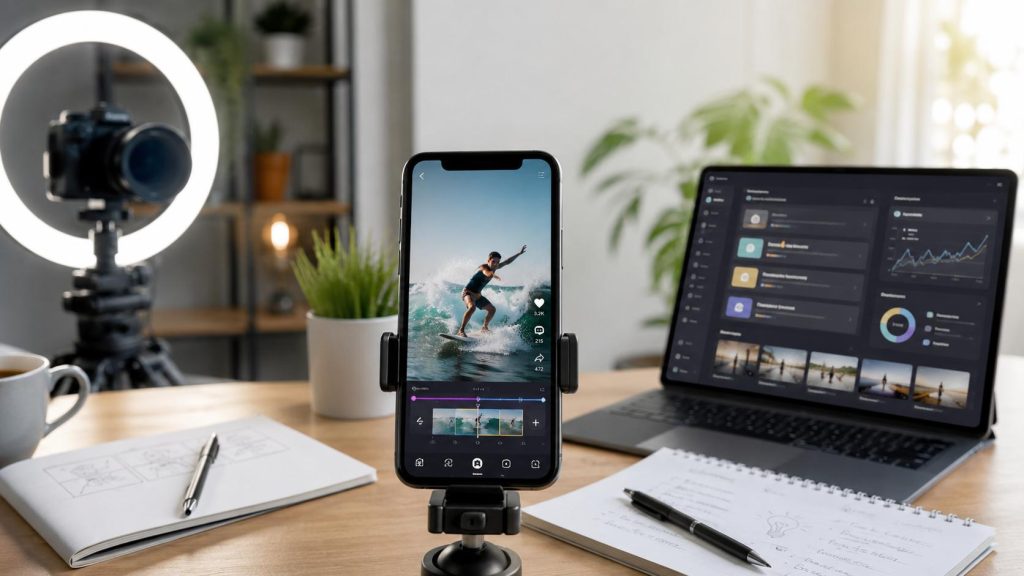
The following features are documented for the official app; they should not be assumed to exist in every modified version.
1. Multitrack Video Editing
A multitrack timeline lets you arrange clips, images, audio, text, and overlays in a single project. This is helpful when producing gaming montages, travel vlogs, tutorials, product demonstrations, and short-form social videos.
You can cut unnecessary footage, reorder scenes, and combine multiple elements to create a more coherent story.
2. Transitions, Filters, And Visual Effects
Transitions help connect scenes, while filters and colour adjustments can create a consistent visual style. Creators can use these tools to make travel footage warmer, give cinematic scenes a particular mood, or add energy to fast-paced gaming edits.
However, professional-looking results depend on thoughtful editing rather than simply applying more effects.
3. Keyframe Animation
Keyframes allow you to animate properties over time, creating movement such as zooming into a subject, moving text across the screen, or animating an image overlay.
For example, a gaming creator could gradually zoom toward an important moment in a match. A tutorial creator could animate arrows or labels to highlight a particular button.
4. Speed Control And Slow Motion
Speed controls let editors accelerate footage, slow down action, or create speed ramps. These techniques are useful for sports clips, cinematic transitions, product showcases, and gaming highlights.
Use slow motion selectively and match your export settings to the original footage for smoother results.
5. Text, Subtitles, And Voice-Over
Text tools help creators add titles, captions, labels, and calls to action. The official listing also describes automatic captions and text-to-speech tools. Availability may depend on the version, device, and applicable feature limits.
Readable captions are especially valuable for short videos that viewers watch without sound. Always review automatically generated subtitles because names, technical terms, and background speech can be transcribed incorrectly.
6. Music And Audio Editing
Music, sound effects, and voice-overs help establish the mood of a video. You can use audio to emphasise transitions, support narration, or build anticipation before a key scene.
Before publishing, ensure that you have the appropriate rights to use your chosen music and sound effects, particularly in monetised content.
7. High-Resolution Export
The official Google Play listing describes export options of up to 4K resolution at 60 frames per second. Actual export choices depend on device compatibility and the available app version.
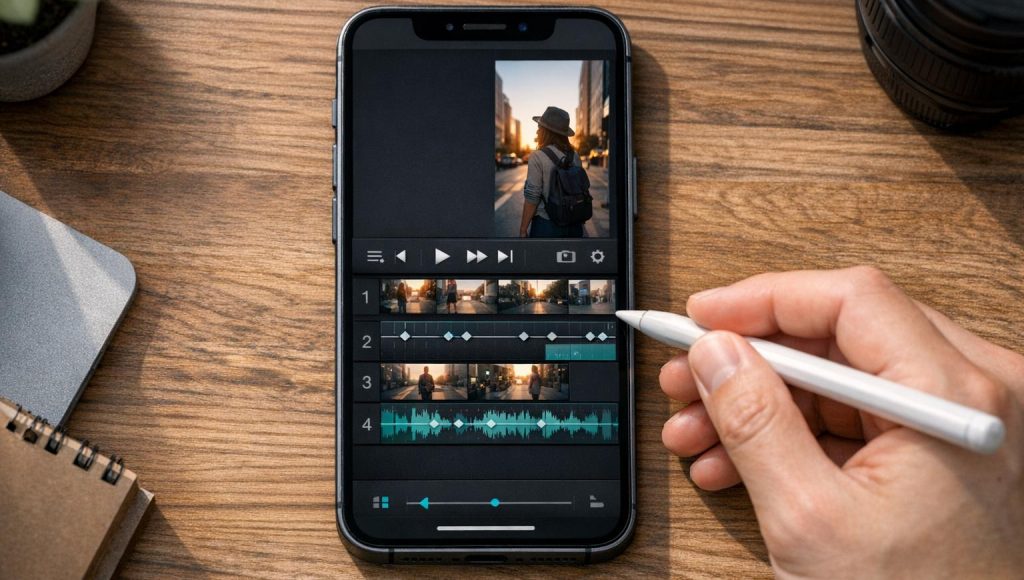
High-resolution export can be useful for detailed footage, but it also increases file size and processing demands. For most social content, select a resolution and frame rate that suit the source footage and destination platform.
Benefits of VN for Creators and Video Editors
VN can support several common content workflows:
- YouTube creators: Edit introductions, tutorials, gaming highlights, and longer video segments.
- Short-form editors: Produce vertical videos for Reels, Shorts, and TikTok.
- Influencers: Combine clips, music, captions, and transitions for consistent branding.
- Small businesses: Create product showcases, promotional clips, and simple advertisements.
- Beginner editors: Learn timeline editing, pacing, sound design, and basic visual storytelling.
A key advantage of using an editor on your phone is convenience. You can record footage, edit it, and prepare it for publication without moving every project to a desktop computer.
A modified version is not necessary to explore these creative possibilities. Start by checking the tools available in the official app and whether they meet your actual editing needs.
How to Use VN Video Editor on Android
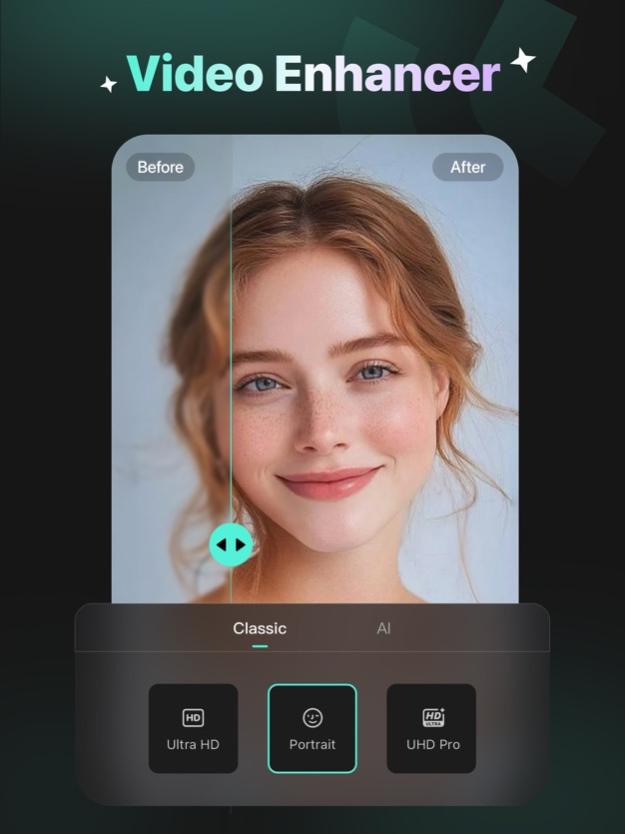
Step 1. Install and Open The App – Install VN through its official distribution channel, open it, and review the requested permissions. Choose the media you want to edit.
Step 2. Import And Organise Footage – Select your video clips and place them in a useful sequence. Remove unwanted sections and keep the opening focused on the main subject.
Step 3. Enhance The Video – Add text, captions, transitions, music, and suitable colour adjustments. Use overlays or keyframes where they improve the story.
Step 4. Preview And Export – Watch the complete edit, check audio levels and subtitles, and choose suitable export settings. Save the final file and confirm that it plays correctly before uploading.
VN MOD APK Download Safety Guide
Searching for a VN MOD APK download may lead to third-party websites offering files that have been modified by unknown parties. A download page alone cannot establish that an APK is safe.
Follow these precautions before installing Android applications:
- Prefer official sources. Use Vlognow.me or play.google.com to find the legitimate application.
- Be cautious with permissions. A video editor may reasonably need access to selected media, but unrelated or excessive permission requests deserve scrutiny.
- Avoid disabling security protections. Do not turn off Android security features just to install an unverified package.
- Check the file’s origin. Unknown developers, misleading download buttons, unexplained redirects, and requests to install additional applications are warning signs.
- Protect your projects. Back up original clips and finished exports. Do not assume that projects created in a modified app will remain compatible with future updates.
- Keep your device updated. Install Android security updates and use reputable mobile security tools where appropriate.
Modified applications can contain unwanted code, expose private media, stop working after updates, or compromise account security. These are potential risks, not proof that every unofficial APK is malicious.
For creators who handle client footage, personal recordings, or commercial projects, the consequences of losing access to files can be significant. A verified installation and reliable backups are generally the better choice.
Conclusion
VN MOD APK attracts creators who are looking for additional editing features and greater flexibility on Android. However, unofficial modifications introduce uncertainty around security, reliability, updates, and advertised functionality.
VN Video Editor already provides a range of useful creative tools, including multitrack editing, keyframe animation, transitions, audio controls, captions, and high-resolution export. These capabilities can support everything from gaming montages to social media campaigns.
For creators and video editors, the strongest approach is to choose a trustworthy installation, develop a consistent editing workflow, and protect original project files. APKMarty.com should prioritise accurate feature descriptions and transparent safety guidance so readers can make informed decisions instead of relying on unsupported download claims.
FAQs
Can I use VN for YouTube Shorts and Instagram Reels?
Yes. The official app supports workflows for short-form social content, including timeline editing, text, audio, effects, and high-resolution export. Select the appropriate aspect ratio and export settings for your destination.
Does VN support 4K video export?
The official Android listing describes export at up to 4K and 60 FPS. The options available to you may depend on your device and app version.
Can VN MOD APK unlock all premium features?
There is no guarantee. Claims about unlocked tools, unlimited resources, or premium access depend on the particular modification and may be inaccurate. Some features may also require online services or account access.
Will VN work on every Android phone?
Not necessarily. Compatibility depends on Android version, hardware, available storage, and the application’s current requirements. Check the official listing before installation.
Can I use VN-edited videos commercially?
You may be able to use your own edited videos commercially, but you must have the necessary rights to the footage, music, images, fonts, and other assets. Review the applicable licences and platform rules before monetising content.












Review & Discussion