

eEagle VPN Secure Proxy Master MOD APK: You probably want to learn about its VPN features, connection security, Android compatibility, and whether a modified version is worth installing. This guide explains what the original app offers, how to install it safely, what its pricing information tells us, and which risks to consider before downloading an unofficial APK.
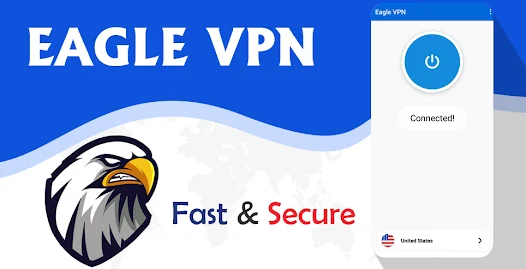
The original eEagle VPN Secure Proxy Master app is listed on Google Play and advertises encrypted connections, multiple VPN protocols, split tunneling, and features intended for everyday browsing, streaming, and gaming. However, the functionality and safety of an unofficial MOD APK cannot be assumed to match the official release.
More Games ➣ Vampire Crawlers MOD APK (Cards Unlocked)
What Is eEagle VPN Secure Proxy Master?
eEagle VPN Secure Proxy Master is an Android VPN application developed by E EAGLE VPN LIMITED. Its main purpose is to route internet traffic through a VPN connection, helping protect data in transit between a device and the VPN server.
The developer promotes the app for browsing, connecting through public Wi-Fi, streaming content, and online gaming. The Google Play listing also advertises WireGuard and OpenVPN protocols and a split-tunneling feature.
A VPN can help prevent people on the same local network from easily inspecting unencrypted traffic between your device and the VPN server. It can also make websites see the VPN server’s public IP address instead of your normal public IP address, depending on the connection and configuration.
However, a VPN does not make you completely anonymous. Websites may still identify you through account logins, browser fingerprinting, cookies, or other tracking methods.
Features of eEagle VPN Secure Proxy Master
The following features are described by the developer. Actual availability and performance can depend on the app version, subscription, network conditions, and server selection.
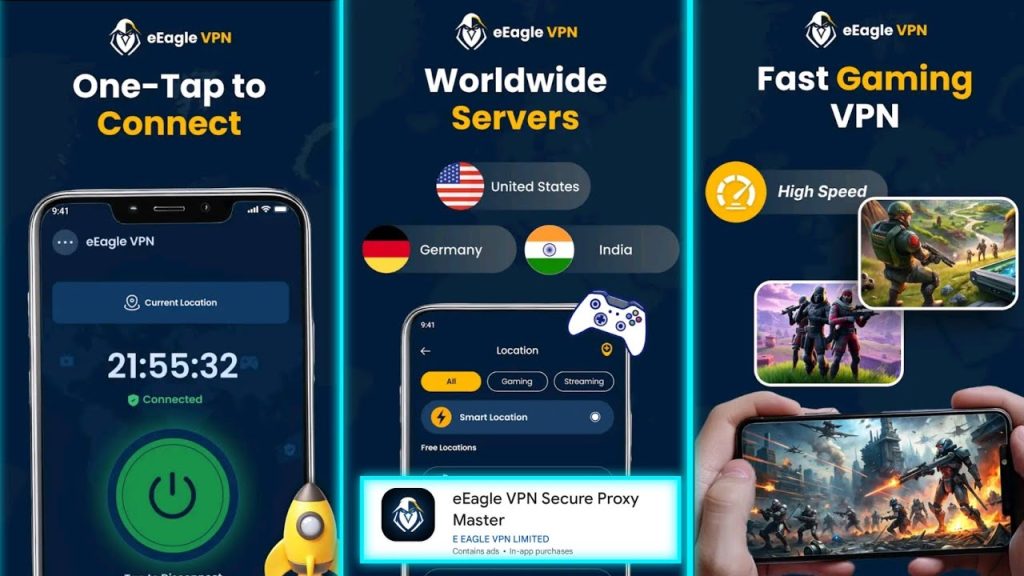
Encrypted VPN Connections
One of the primary advertised features is VPN encryption. When correctly configured, a VPN encrypts traffic between your Android device and the VPN server. This can be useful when you connect to hotel, airport, café, or other public Wi-Fi networks. It adds a layer of protection against local network observers, particularly when an app or website does not independently encrypt all of its traffic.
Remember that HTTPS remains important even when using a VPN. Encryption between your device and the VPN server does not automatically protect every subsequent connection or make a malicious VPN provider trustworthy.
Multiple VPN Protocols
The official listing names WireGuard and OpenVPN, including UDP and TCP options. These protocols are used to establish and maintain VPN connections.
WireGuard – A modern VPN protocol designed around a relatively small codebase and efficient operation.
OpenVPN UDP – Often suitable when responsiveness and speed are priorities.
OpenVPN TCP – May work better on certain restrictive networks, although it can behave differently under congestion.
The best choice depends on network conditions, server configuration, and the app’s implementation. The presence of a protocol in a store listing does not independently establish how securely it has been configured.
Split Tunneling For App-Level Control
Split tunneling allows users to choose which applications send traffic through the VPN and which use their ordinary internet connection, when supported by the app configuration. For example, you might route a web browser through a VPN while leaving a local-network application outside it. This can help balance privacy and connectivity.
The trade-off is important: apps excluded from the VPN do not receive the same VPN routing protection. Review the selected apps carefully before relying on split tunneling for sensitive activity.
Browsing and Public Wi-Fi Protection
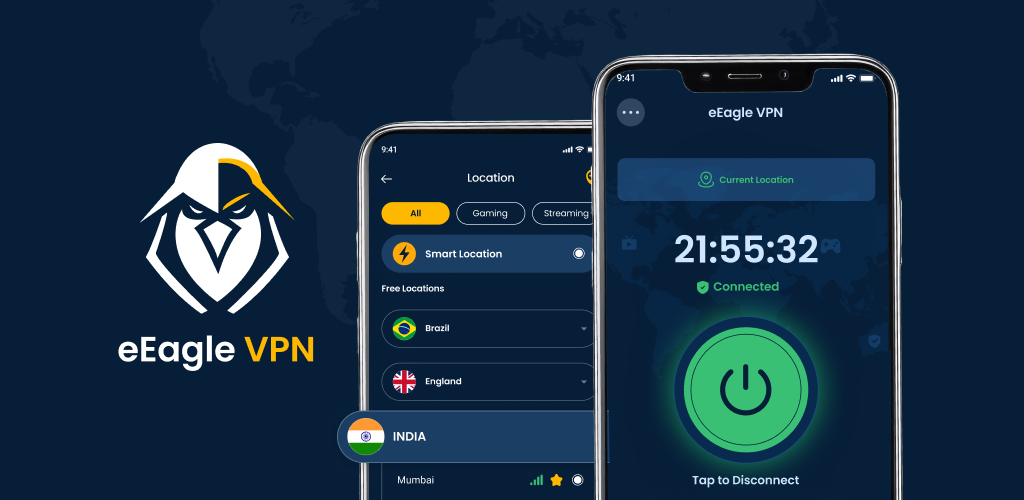
The developer promotes eEagle VPN for general browsing and public Wi-Fi use. A VPN can help shield traffic from other users on the same network, but it cannot protect against every online threat.
It does not automatically prevent phishing, malicious downloads, unsafe websites, or malware already installed on your phone. Keep Android updated, use reputable apps, and verify website addresses before entering personal information.
Streaming and Online Gaming
The app is marketed for streaming and gaming, with the goal of providing a stable connection. However, a VPN may increase latency because traffic takes an additional route through a server.
Performance depends on the distance to the server, server load, internet service provider, and the game or streaming service. Some platforms also block VPN connections or restrict access based on licensing and regional rules.
Choose a nearby server where appropriate and test performance rather than assuming that a VPN will always make downloads, videos, or games faster.
A straightforward Connection Experience
VPN apps commonly provide connection control and a server-selection interface. The official listing promotes connecting with a single tap.
Beginners should still review the selected server, connection status, permissions, and any subscription prompts. A connected indicator alone does not prove that all device traffic is being routed correctly or that an app has passed an independent security audit.
What Is eEagle VPN Secure Proxy Master MOD APK?
A MOD APK is an Android application package that has been altered from its original version by someone other than the official developer.
Depending on the person who modified it, a file may claim to remove advertisements, unlock premium options, change application behavior, or alter other restrictions. These claims must be checked individually.
There is no verified basis here to promise that a particular eEagle VPN MOD APK includes unlimited premium servers, unlocked subscriptions, faster speeds, or an ad-free experience.
How to Download and Install eEagle VPN
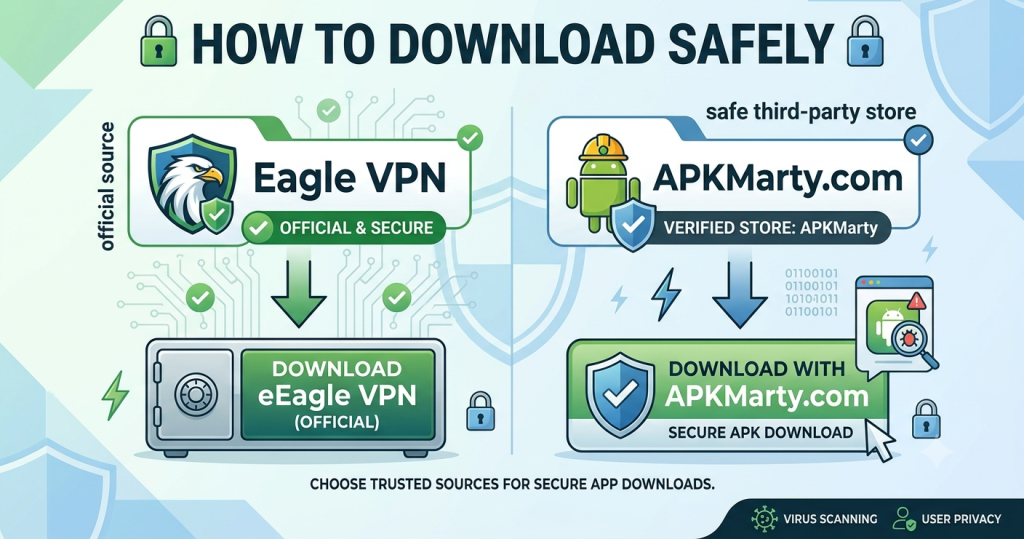
The safest starting point is the official Google Play Store release rather than an unknown MOD APK website.
Method 1. Download
- Open the official site.
- Check that the developer is listed as E EAGLE VPN LIMITED
- Review the app’s permissions, privacy disclosures, ratings, and available purchase terms.
- Tap Install if the app is compatible with your device.
- Open the app and read its privacy information and connection prompts.
- If Android asks for permission to establish a VPN connection, review the request before approving it.
- Connect to an available server and verify that the VPN is active.
- Test ordinary browsing and disconnect if you notice unexpected behavior or suspicious permission requests.
Method 2. Install an APK file
If you have obtained an APK outside Google Play, take these precautions before installing it:
- Confirm the source and identify the publisher.
- Verify the digital signature against a trusted official release where possible.
- Scan the file with reputable security tools. A clean scan is helpful but cannot guarantee safety.
- Check the requested permissions and investigate unexpected changes.
- Avoid entering passwords, payment information, or sensitive account details into an untrusted app.
- Do not disable Android security protections just because a download website tells you to.
- If authenticity cannot be established, delete the file and use the official listing instead.
Android may require permission to install apps from a particular external source. Granting that permission does not establish that the file is safe. Revoke the permission when it is no longer needed.
Conclusion
eEagle VPN Secure Proxy Master is an Android VPN app that advertises encrypted connections, WireGuard and OpenVPN support, split tunneling, and use cases involving browsing, streaming, and gaming.
If you are considering eEagle VPN Secure Proxy Master MOD APK, understand that unofficial modifications are not verified simply because the original app exists on Google Play. Claims of free premium features, unlimited access, or improved speeds need evidence, and modified VPN applications can create additional privacy and security risks.
For most Android users, the best starting point is the official Google Play version. Review its current permissions, privacy disclosures, subscription terms, and performance before relying on it for sensitive activity.
FAQs
Is the eEagle VPN MOD APK safe for Android?
No unofficial APK should be assumed safe merely because it carries the app’s name. Modified VPN applications can introduce malicious code or change network behavior. Use the official release unless you can establish the alternative file’s authenticity and integrity.
Can eEagle VPN Secure Proxy Master improve gaming speed?
Not necessarily. A VPN can sometimes improve routing in specific circumstances, but it can also increase latency and reduce throughput. Test your connection under comparable conditions and use a nearby server when appropriate.
Is eEagle VPN Secure Proxy Master free to download?
The official app is available on Google Play, and the listing indicates that it contains ads and in-app purchases. The exact current premium prices in USD were not reliably confirmed. Check APKMarty for free availability in your region.
Does eEagle VPN Secure Proxy Master support WireGuard?
Yes. The official Google Play description advertises WireGuard and OpenVPN, including UDP and TCP options. Actual availability may depend on the current app version and configuration.















Review & Discussion