

IPO Premium is an Android application designed to help users follow initial public offerings (IPOs), submit applications, check allotment status, and monitor subscription information. If you’re searching for IPO Premium MOD APK, it’s important to understand the original app’s features and the risks of downloading unofficial or modified financial applications.
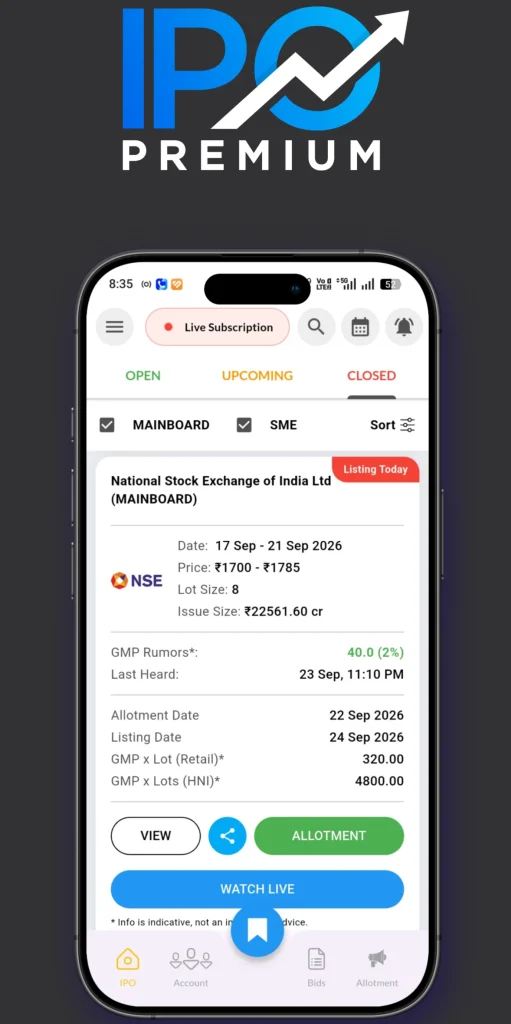
The official Google Play listing describes IPO Premium as an IPO information and application tool developed by Jaynath Infotech Private Limited. Its listed features include IPO applications through UPI, allotment tracking, subscription data, bid-status information, watchlists, and company details. Availability and features may change over time.
Important: An IPO application cannot guarantee allotment or profit. Modified APK files also introduce additional security uncertainties, especially when an app handles financial information.
What Is IPO Premium?
IPO Premium is a financial information application focused on India’s primary stock market. It helps Android users follow mainboard and SME IPOs and access information related to upcoming, ongoing, and completed public offerings.
An IPO occurs when a company offers shares to the public for the first time through a public issue. Investors can review details such as the issue dates, price band, lot size, company information, and subscription activity before deciding whether to apply.
The app aims to bring several IPO-related tasks into one interface rather than requiring users to search multiple websites for updates.
However, users should distinguish between an IPO information tool and a regulated investment adviser. Information presented by an application is not a substitute for independent research or professional financial advice.
Features of IPO Premium
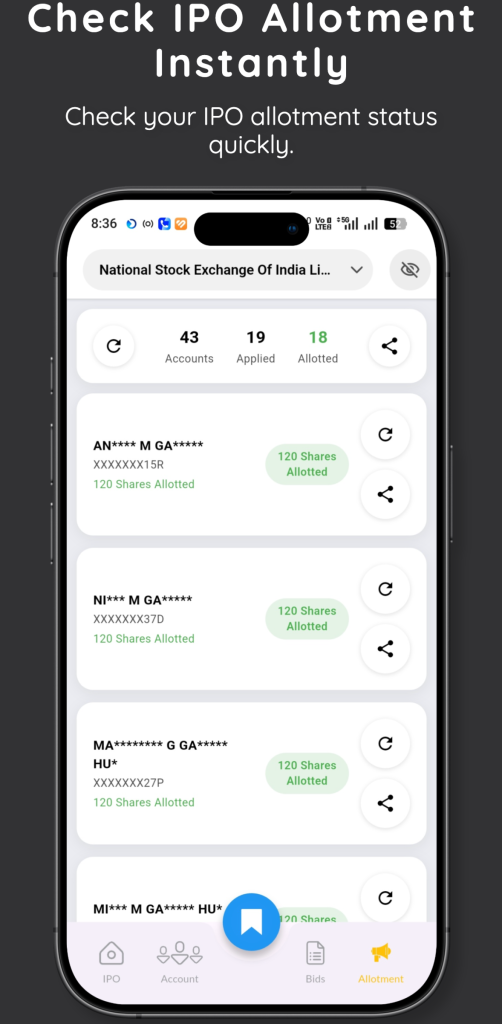
The following features are described in the app’s official Google Play listing. Their availability may depend on the current version and applicable requirements.
1. IPO Application Support
The app listing describes a facility for applying to eligible IPOs through UPI. Users can review an issue and follow the available application process. An application is not necessarily complete simply because a user submits a request.
Investors should verify the bid details and follow any required mandate approval instructions through their legitimate UPI or banking application. Never approve an unfamiliar payment request merely because it appears alongside an IPO application.
2. IPO Allotment Status
IPO Premium lists allotment-status checking among its core features. After an IPO closes and the allotment process is completed, applicants want to know whether shares have been allotted to them. An allotment checker can make it easier to track the result.
For important decisions, cross-check the result with the relevant registrar or exchange’s official information. Do not assume that every third-party status display is the final authority.
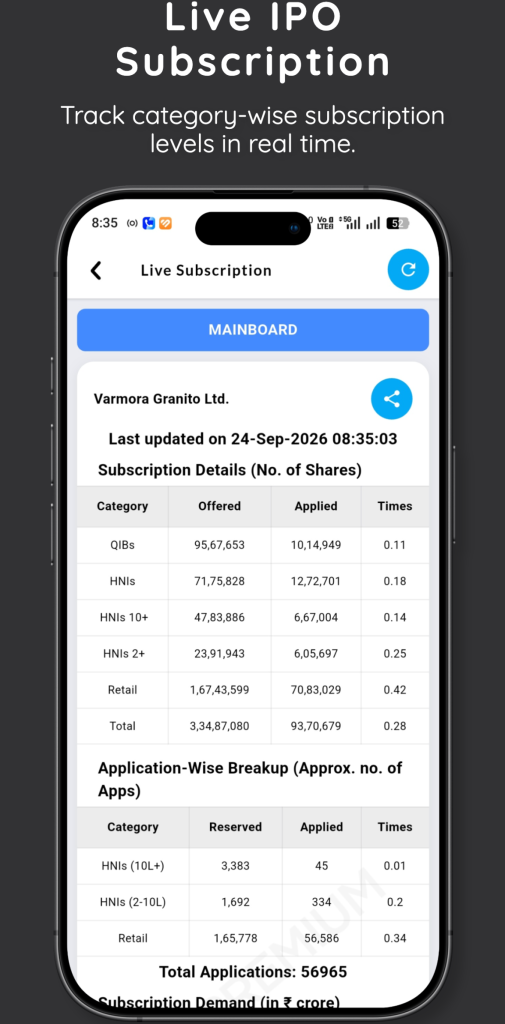
3. Live IPO Subscription Data
The app advertises subscription information for mainboard and SME IPOs. Subscription data indicates the level of demand recorded in different investor categories during an issue. It can help investors understand market interest, but it does not predict the listing price or guarantee a positive return.
A heavily subscribed IPO can still perform poorly after listing. Likewise, subscription figures alone cannot establish whether a company is fairly valued.
4. Bid Status Tracking
Bid-status information can help users follow the progress of an application and identify whether additional action may be necessary.
If an application appears unsuccessful or pending, check the exact status and relevant instructions through official channels before attempting another application. Repeated submissions may create confusion or violate the applicable application rules.
5. Pre-Filled IPO Forms
The official listing describes pre-filled PDF forms for offline applications. These forms may be useful for eligible users who need a printable application document. Always review every field before submitting a form, and use the current instructions provided by the relevant intermediary.
6. Watchlists and Alerts
The app advertises IPO watchlists and alerts for important updates. These tools can help investors organize issues they want to research and monitor dates or status changes. Notifications should be treated as reminders rather than recommendations to buy shares.
7. Company and IPO Details
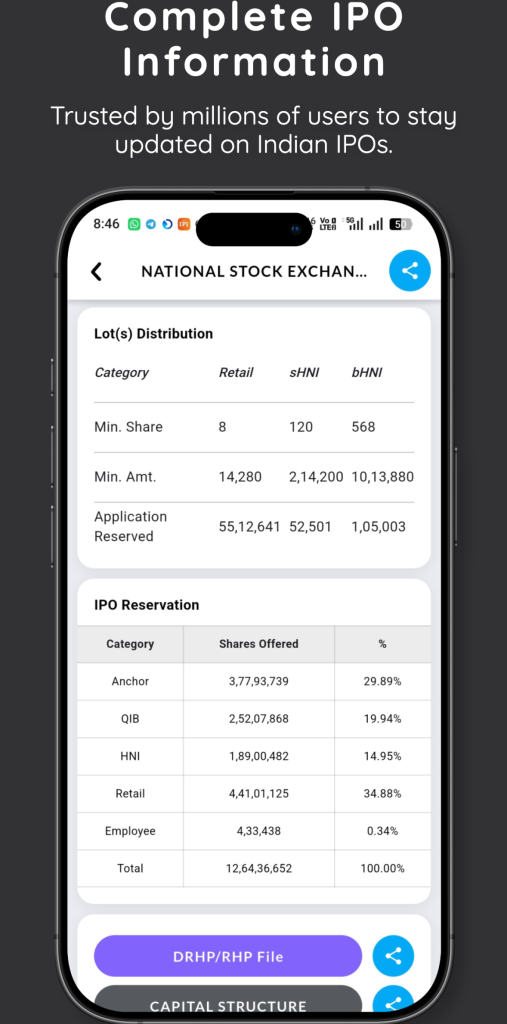
The listed information includes company details, financial information, IPO dates, price bands, and lot sizes.
Investors should use these details as a starting point for research. Read the company’s offer documents, understand its business model, examine its financial position, and consider relevant risks before investing.
Benefits for Android Users
An IPO-focused app can be useful when it makes relevant information easier to access.
Potential practical benefits include:
- Convenience: IPO-related information can be accessed from a mobile device.
- Organization: Watchlists can help users track multiple issues.
- Status monitoring: Application and allotment information may be easier to follow.
- Market awareness: Subscription figures provide context about demand.
- Research preparation: Company details can help users identify topics for further investigation.
- Timely reminders: Alerts can reduce the chance of overlooking relevant updates.
These benefits depend on the accuracy, availability, and timeliness of the information displayed. They do not establish that the app is suitable for every investor.
IPO Premium Download and Installation Guide
If you want to try IPO Premium, begin with the official listing rather than an unverified MOD APK website.
Follow these Steps: –
- Open the Google Play Store on your Android phone.
- Search for IPO Premium – Apply & Info.
- Check the developer name against the official listing: Jaynath Infotech Private Limited.
- Review the app description, permissions, privacy information, and recent reviews.
- Tap Install if the listing and requirements meet your needs.
- Open the app and review its terms and privacy information.
- Follow the app’s instructions for IPO information, status checking, or eligible application workflows.
If the app is unavailable in your region or is incompatible with your device, consult the developer’s official support information rather than downloading a package from an unknown source.
Conclusion
IPO Premium MOD APK is a search term used by Android users looking for an altered version of an IPO information application. The original IPO Premium app advertises features such as IPO applications, allotment tracking, subscription data, bid-status monitoring, and company information.
For most users, the sensible approach is to install the official application, review its privacy disclosures, and independently verify important financial information. Unofficial APK modifications introduce uncertainties that are particularly concerning when personal or financial data may be involved.
Use IPO information tools to support your research, not to replace it. No application can guarantee IPO allotment, listing gains, or investment profits. Review the risks, understand the company, and make financial decisions based on your circumstances.
FAQs
Can I apply for IPOs through IPO Premium?
The official listing describes IPO application support through UPI. Availability and eligibility can depend on the specific issue, investor requirements, and current app functionality.
Does high IPO subscription mean guaranteed listing gains?
No. Subscription levels reflect demand during an issue, not a guarantee of future returns. Market conditions, valuation, company performance, and other factors can influence post-listing prices.
What should I do if a modified APK asks for sensitive details?
Stop and avoid entering your information. Remove the untrusted app if appropriate, run a security scan, and review your account security if you have already entered sensitive credentials. Contact your bank or relevant financial provider promptly if you suspect misuse.
Does IPO Premium provide investment advice?
The app’s Google Play listing states that it is for educational and informational purposes and does not provide investment advice or recommendations. Review the current disclaimer before relying on any information.












Review & Discussion